
4. Back Tap / Quick Tap – Secret Buttons on the Back of Your Phone
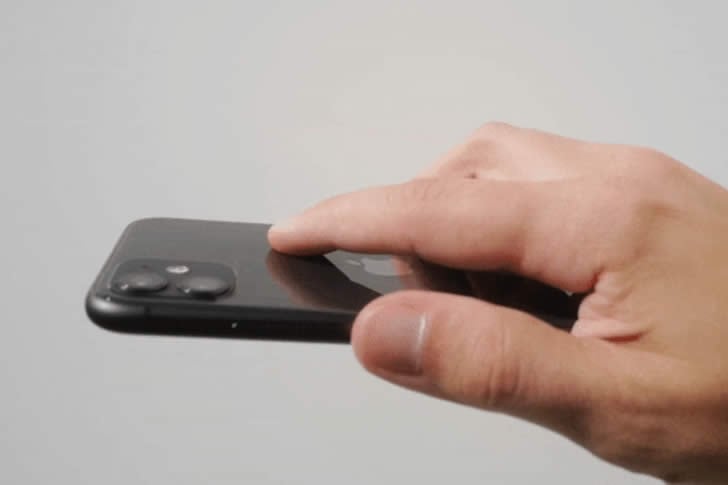
Why fumble for the power button or volume keys when you can just tap the back of your phone twice or three times to take a screenshot, turn on the flashlight, open the camera, or start a voice memo? It’s like magic.
On iPhone: **Settings → Accessibility → Touch → Back Tap**—choose Double Tap or Triple Tap and pick your action. On Android (Pixel and many others): **Settings → System → Gestures → Quick Tap**. Assign screenshot, flashlight, or even Google Assistant. No extra apps needed. Suddenly your phone feels faster and more intuitive—perfect for quick photos of kids or checking the time without unlocking.